
Description
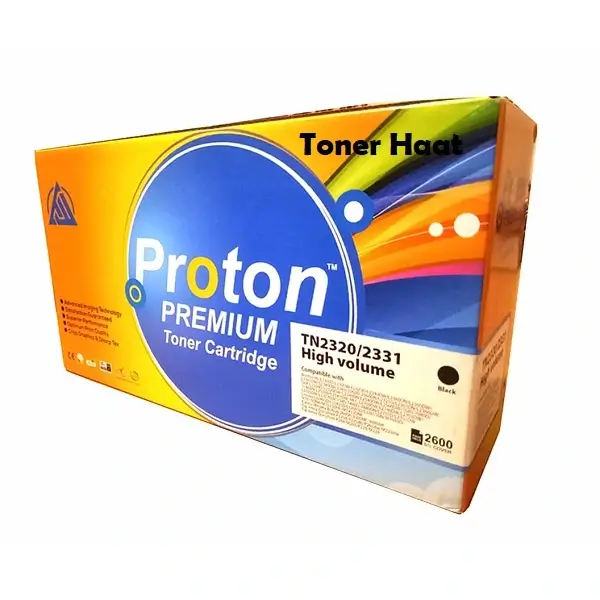
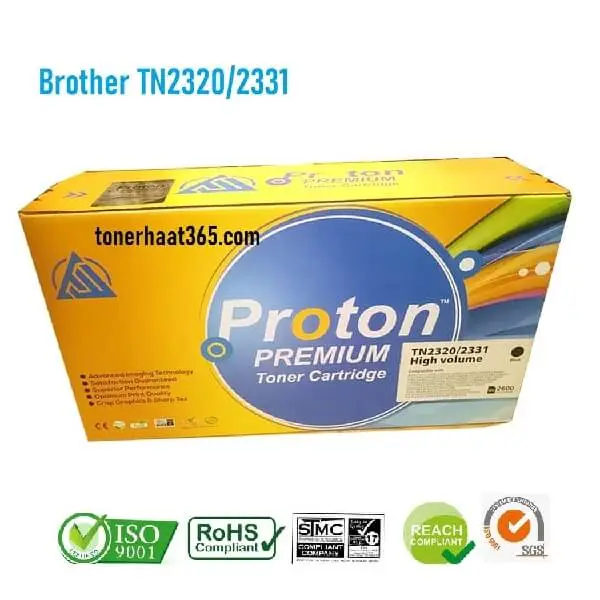
Brother TN2320/2331/630 Toner for Printer HL-L2300 Series
Brother TN 2320/2331/630 Toner for Brother Laserjet Printer HL-L2300DW, 2365DW
Part No: TN-2320/2331/630
Printing Technology: Laser
Printing Color: Black ( K )
Duty Cycle: 2600 pages (5% Coverage)
Package weight: 800gms
Security Label: Yes
Condition: New: A brand-new, unused, unopened and undamaged item in its original packaging (where packaging is applicable).
Supported Printer Model:
Brother HL-L2300D/L2305W/L2320D/ L2321D/ L2361DN/ L2366DW/ L2340DW/ L2360DN/ L2360DW/ L2365DW/ L2380DW
DCP-L2500D/ L2520DW/ L2540DN/ L2540DW/L2541DW/ L2560DW
MFC-L2700DW / L2701D/L2701DW/L2740DW/ L2703DW/ L2705DW/L2707DW
7080/7080D/7180D/7380/7480D/7880DN
Lenovo LJ2405D, LJ2455D, LJ2605D, LJ2655DN, M7605D, M7615DNA, M7655DHF, M7455DNF
This Toner Cartridge is designed to produce high-quality, clear and crisp documents.
- Key Features:
- Brother TN2320 Toner, Mono Laser Toner Cartridge.
- High-capacity black toner cartridge
- Security label in every Cartridge
- Made in China
N.B: What Do We Mean by 5% Coverage Page Yield?
- Page yield refers to the approximate number of pages a specific toner cartridge is capable of printing. Determining page count can prove to be tricky as print density can vary from day to day for individuals. But some users simply print emails containing text moreover might require to produce printouts of heavy graphics for brochures or catalogs as well as consequently printing much less pages than normal.
Other factors include room temperature, printer condition, and toner age.
- It is for this reason that the printer industry came up with the 5% rule.
Manufacturers use such yardstick to guarantee.
How many pages a specific toner can yield. Firstly, 5% coverage would simply be a page printout of a text document containing no graphics with little or no bold characters on an 8.5 x 11 copy paper. An increase or decrease in page yield is therefore directly proportional to an increase or decrease in page coverage.
বিশেষ সতর্কতাঃ নতুন টোনার সেট করার পূর্বে অবশ্যই নরম ও শুকনো কাপড় দিয়ে আপনার প্রিন্টারের ভিতরের অংশটি মুছে নিন। অবশ্যই এর পুর্বে বৈদ্যুতিক লাইন সুইচ অফ করে নিবেন। কারন পুরোনো টোনার থেকে কিছু পাউডার প্রিন্টারের গায়ে লেগে থাকে যা পরবর্তীতে প্রিন্টের সময় দাগ আকারে চলে আসে। প্রিন্টারটি (রোলার ও ড্রাম ইউনিট সুরক্ষিত রাখতে) তেলাপোকা, পিঁপড়া থেকে দূরে সরিয়ে রাখবেন। আপনার প্রিন্টারটি অবশ্যই বছরে একবার অন্তত সার্ভিসিং করবেন এতে করে দীর্ঘ সময় ব্যবহার করতে পারবেন। ধন্যবাদ



Reviews
There are no reviews yet.